Users
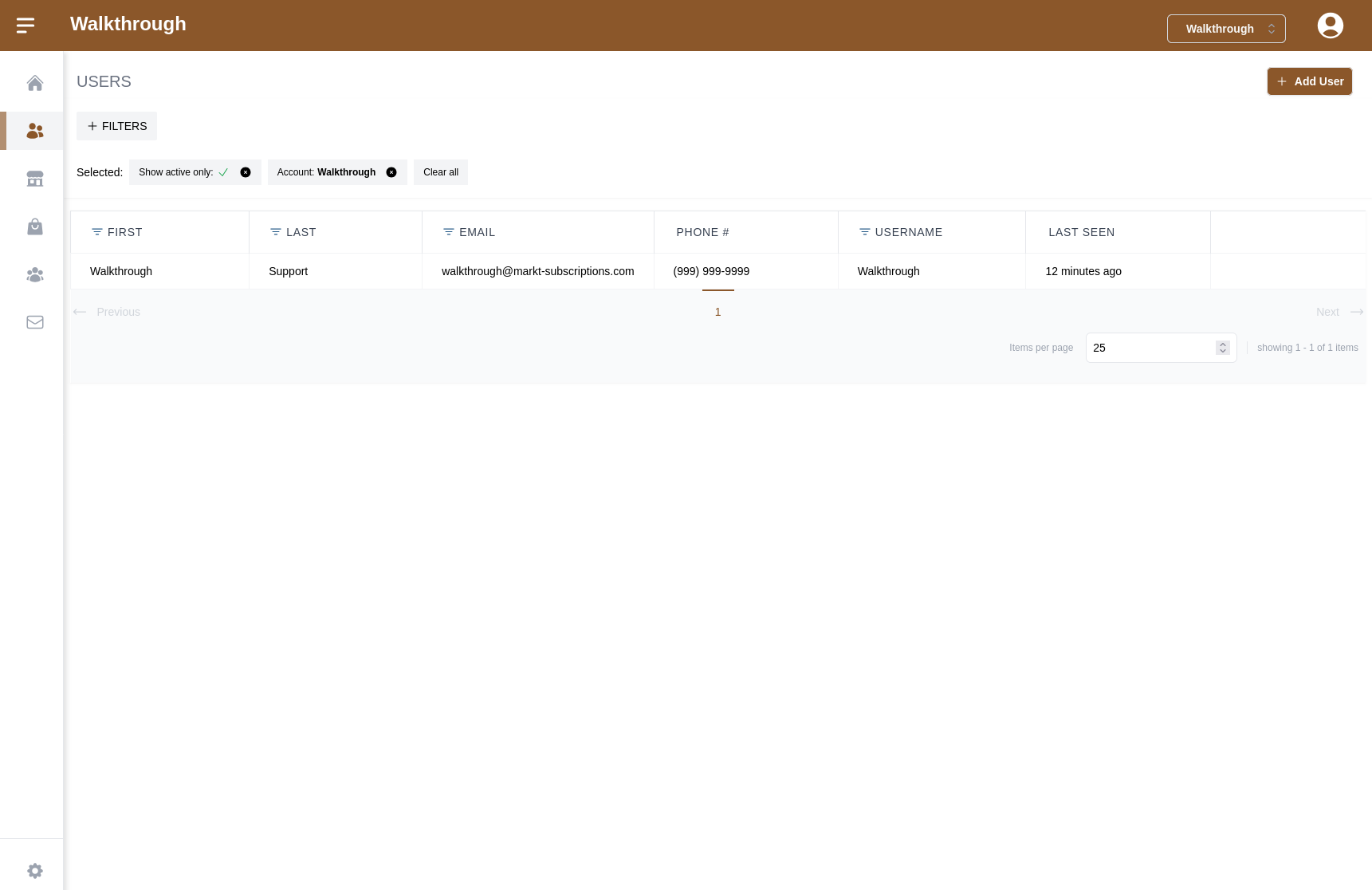
The Users pages is where you'll see all the users you have given access to see/configure your subscription site.
Adding a new user can be achieved by clicking the "Add User" button in the top right of the screen, clicking this will take you to another screen where you can input the information for that user.
Alternatively, you can click on the user in the list and this will bring you to a screen to edit that user.